
The implementation team finished the ERP go-live six months ago. The sales tax module is configured. Invoices are going out with tax lines. Everyone assumes compliance is handled.
Then the audit arrives.
The auditor asks for product taxability documentation. She asks why the same software product was taxed in California on some invoices and not taxed on others. She asks about the seven transactions in Colorado where the local district rate was applied at 2.9% instead of the correct 8.52% combined rate. She asks about the 40 customers flagged as tax-exempt in the system and whether the company has current, valid exemption certificates on file for all of them.
The answers are not good. And none of this happened because the ERP was broken. It happened because “ERP sales tax integration” was treated as a configuration task rather than a compliance task and those two things are not the same.
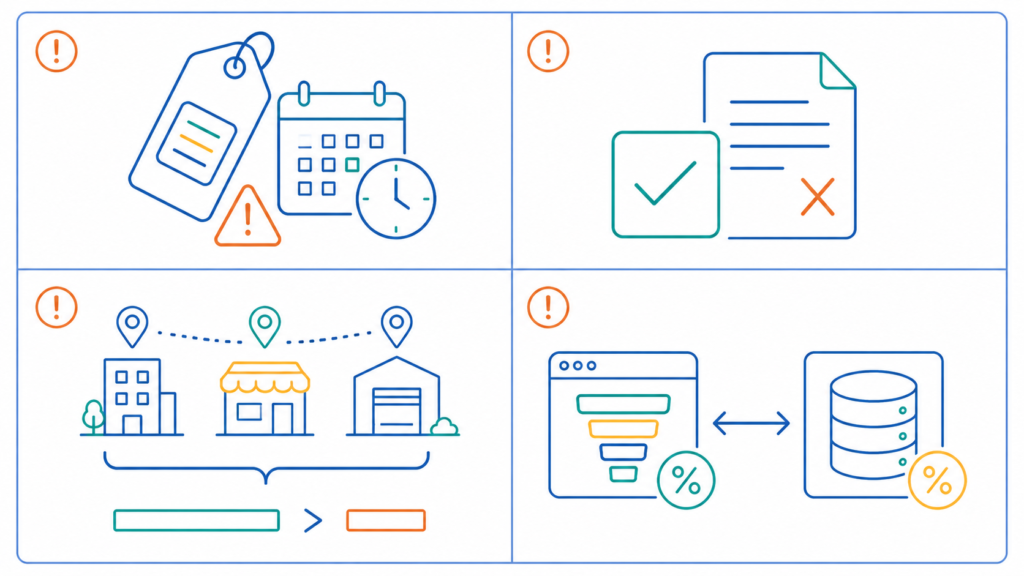
The most common ERP sales tax integration mistakes are: product taxability codes assigned at go-live and never reviewed, exemption certificates managed as checkboxes rather than verified documents, multi-entity configurations that miss company-wide economic nexus, and tax calculation triggered in the wrong system using stale rates. These errors are not caused by broken software, they result from treating ERP tax integration as a configuration task rather than a compliance task.
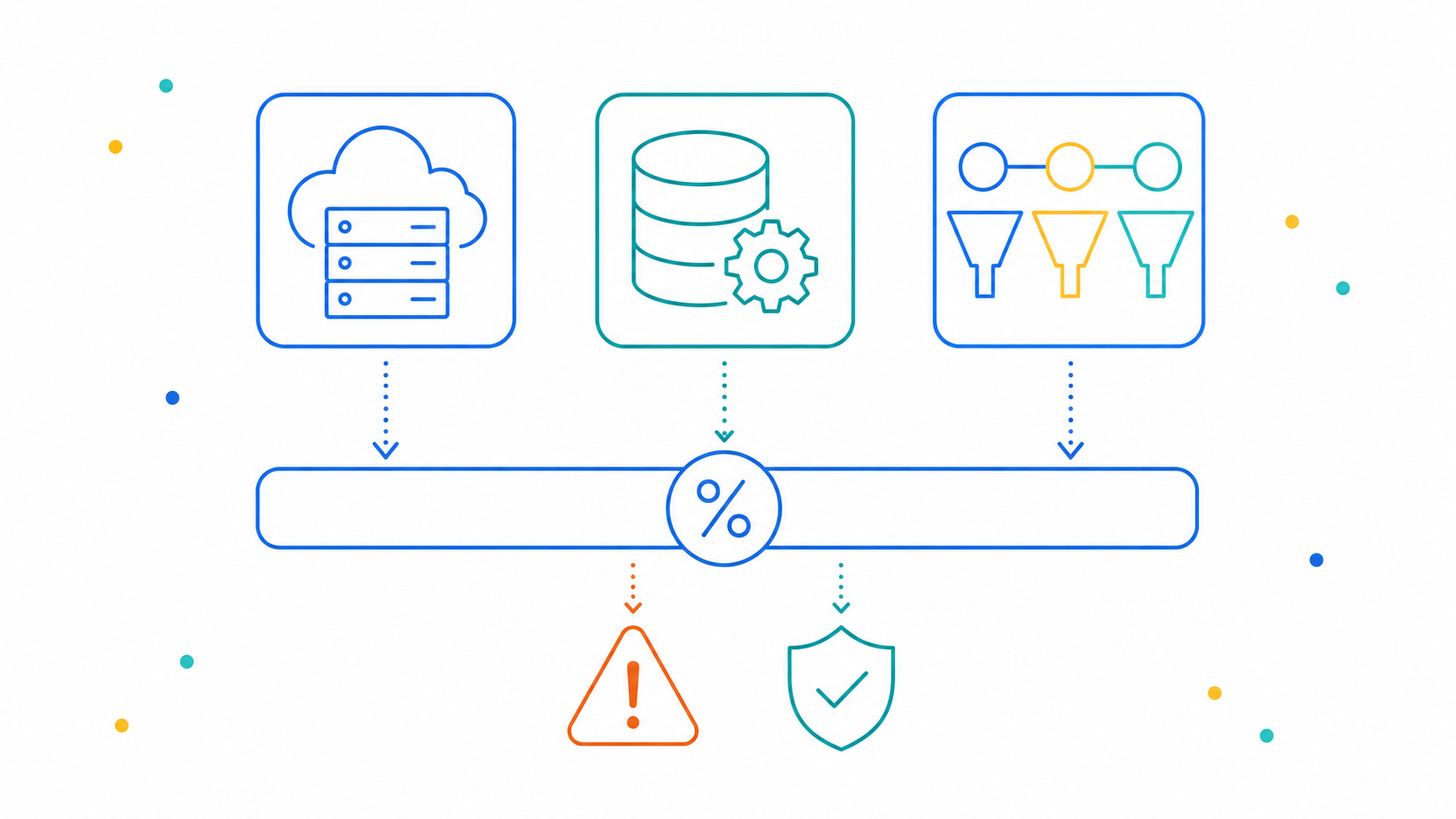
ERP sales tax integration errors are a leading cause of enterprise audit exposure. NetSuite, SAP, and Salesforce each have native tax capabilities that fall short of full compliance: NetSuite’s Classic tax engine requires manual rate maintenance and its SuiteTax framework uses zip-code-based lookups that miss district-level accuracy; SAP’s jurisdiction code configuration is frequently misconfigured during implementation; Salesforce applies predefined rates that become stale without real-time updates. Common integration mistakes include outdated product taxability codes, exemption certificates stored as checkboxes without verified documents, multi-entity nexus gaps, and tax calculation triggered at inconsistent system points. Correct ERP tax integration requires a compliance foundation, nexus analysis, product mapping, exemption management, and real-time rate connectivity, before the integration is built.
What ERPs Are Actually Built to Do (& What They’re Not)
NetSuite, SAP, and Salesforce are powerful platforms. They manage orders, financials, inventory, customer records, and revenue recognition at a level of sophistication that most businesses couldn’t replicate otherwise. Sales tax is not what they were built for.
NetSuite’s native tax engine, the Classic tax engine still widely used in older implementations, relies on manually maintained tax codes, tax schedules, and tax groups. Rates are not updated automatically. When a state changes its rate, or a county adds a new local district tax, the system keeps applying the old rate until someone updates it manually. In practice, that someone is often nobody, because there is no alert, no monitoring, and no notification that a rate has changed.
NetSuite introduced SuiteTax, its modern tax framework, as an improvement, and it is more extensible. But SuiteTax still relies on a zip-code-based rate lookup by default. Zip codes do not map cleanly to tax jurisdictions. A single zip code in Colorado can span multiple local taxing districts with different combined rates. Using zip codes to determine rates is a well-documented source of systematic error, particularly in states with high local district tax complexity like Colorado, Louisiana, and Alabama.
SAP’s tax configuration is arguably more powerful than NetSuite’s and significantly more complex to implement correctly. SAP uses tax jurisdiction codes and condition tables to determine which rate applies to each transaction. When those jurisdiction codes are misconfigured during implementation, which happens routinely, because the configuration requires both technical SAP expertise and current sales tax knowledge, the system applies wrong rates accurately and consistently. Nobody flags it because the system is doing exactly what it was told to do.
Salesforce Revenue Cloud applies predefined rates stored in the system to generate invoices. The rates are only as current as the last manual update. For companies using Salesforce as their billing system without a real-time tax calculation integration, every invoice goes out with whatever rate was configured at the time of the last update, which may have been six months or two years ago.
The Four Mistakes That Show Up in Almost Every ERP Audit
These are not edge cases. Every enterprise tax team that has been through a multi-state audit on an ERP-processed transaction set has seen at least two of these. Most have seen all four.
Mistake 1: Product taxability codes assigned at implementation and never reviewed
When a company goes live on an ERP, someone maps each product to a taxability code. That mapping is often done by the implementation consultant, under time pressure, using the product descriptions available at go-live. It is rarely reviewed after the system launches. When the company adds new product lines, changes how a product is bundled or delivered, or expands into states with different taxability rules for the same product category, the original code continues to apply, even when it’s wrong for the new context.
A SaaS company that configured its ERP to treat all software as taxable may have been over-collecting in California, where most SaaS is not subject to sales tax, for years. The exposure runs in both directions: under-collection in some states, over-collection in others.
Mistake 2: Exemption certificates managed in the ERP as a checkbox, not as a document
In NetSuite, the customer record has a Tax Exempt checkbox and a Resale Number field. When a customer provides a resale certificate, someone checks the box and enters a number. That is the entirety of the exemption management workflow for most NetSuite users.
What it doesn’t capture: whether the certificate is current. Whether it’s valid in the state where the sale is being made. Whether it covers the product category being purchased. Whether it has expired. And whether the actual document exists somewhere retrievable when an auditor asks for it.
An auditor who finds 40 tax-exempt customers in the system and asks for the corresponding certificates is not asking for the contents of a checkbox field. She is asking for 40 documents and “we have them in a shared drive somewhere” is not a defensible answer when the shared drive turns up 23 expired certificates and 11 that don’t exist at all.
Mistake 3: Multi-entity implementations that treat nexus as a per-subsidiary question rather than a company-wide question
Enterprise companies using NetSuite OneWorld or SAP multi-entity configurations often set up each legal entity with its own tax settings, its own registered states, and its own nexus determinations. The problem is that economic nexus thresholds are evaluated on the basis of combined revenue in most states and revenue generated by one subsidiary may, depending on the entity structure, contribute to the threshold that triggers nexus for the whole group.
A company with three subsidiaries, each generating $70,000 in annual revenue in a single state, may have no nexus from any individual entity’s perspective. But if the state evaluates related entities on a combined basis, the group has $210,000 in revenue and clear economic nexus. The ERP’s entity-by-entity configuration doesn’t catch this. It takes a company-wide nexus analysis to find it.
Mistake 4: Tax calculation triggered in the wrong system, at the wrong moment
Salesforce closes the deal. NetSuite generates the invoice. The tax calculation happens in NetSuite, but the Salesforce quote already showed the customer a price with tax included, calculated using a rate stored in Salesforce that hasn’t been updated since the last implementation sprint. Now the invoice disagrees with the quote. Finance has to reconcile. The customer disputes the charge. And the underlying rate that was wrong in Salesforce was also wrong in the customer’s mental model of what they owed.
The trigger point for tax calculation matters. It should happen once, in the system of record, using a real-time rate lookup, not twice, in two different systems, using two different stale rate tables.
Why “We Have a Tax Integration” Doesn’t Mean What Most Teams Think
The most common assumption that creates audit exposure in ERP environments is this: we integrated a tax calculation tool, therefore our tax compliance is handled.
An integration connects systems. It does not validate the data flowing between them. If the product taxability codes going into the tax engine are wrong, the engine returns wrong answers accurately. If the customer exemption status passed from the ERP to the tax engine reflects a checkbox rather than a verified certificate, the engine exempts transactions that shouldn’t be exempted. If the nexus flags in the ERP don’t reflect the company’s actual registration footprint, the engine doesn’t calculate tax in states where it should.
The highest audit risk for most NetSuite users comes from exactly this gap, the assumption that connecting a tax engine resolves the underlying compliance configuration, when the configuration was wrong before the integration and remains wrong after it.
The integration is the last layer. The compliance foundation, nexus analysis, product taxability review, exemption certificate management, registration verification, has to come first. Otherwise the integration enforces incorrect rules at transaction speed across every invoice the system generates.
What a Correct ERP Tax Integration Actually Looks Like
Getting it right requires four things, in sequence:
1. Pre-integration nexus analysis
Before a tax calculation engine is connected to any ERP, confirm which states require registration, which jurisdictions need to be in the calculation engine’s scope, and whether any historical exposure from prior-period uncollected tax needs to be addressed through voluntary disclosure.
2. Product taxability mapping review
Every product and service code in the ERP should be mapped to a taxability classification that has been verified against the rules of each state where the company has nexus, not assumed from a product name or a legacy code assigned during initial implementation.
3. Exemption certificate integration, not just exemption flagging.
The ERP integration should connect to a certificate management system that stores the actual document, tracks validity by state, sends renewal alerts before expiration, and blocks exempt billing when the certificate is missing or expired.
4. Real-time rate updates, not periodic manual maintenance
The tax calculation engine should pull current rates at the moment of calculation, not apply rates from a configuration file that was last updated six months ago. This is the core function that ERP native tax tools do not provide and that a connected tax engine must deliver.

Final Words
ERP platforms are not sales tax compliance solutions. They are transaction systems that can be connected to compliance infrastructure, but the connection only works correctly if the compliance infrastructure was built correctly first.
NetSuite, SAP, and Salesforce users who completed their integrations at go-live and haven’t revisited the underlying configuration since are not necessarily compliant. They are generating invoices at scale using whatever rules were configured at the start, right or wrong, with no mechanism to detect the difference until an auditor does.
The fix is not replacing the ERP. It’s conducting the compliance review that should have happened before the integration was built: nexus analysis, product taxability mapping, exemption certificate audit, and real-time rate validation. That work tells the integration what rules to enforce. Without it, the integration enforces whatever rules it was given, and those rules may have been wrong from day one.
Find Out What Your ERP Integration Is Actually Getting Wrong
IST works with enterprise companies using NetSuite, SAP, Salesforce, and other ERP platforms to audit the compliance foundation beneath their tax integrations, identifying product taxability misconfiguration, exemption certificate gaps, nexus mismatches, and rate errors before an auditor does.
The starting point is a compliance assessment, not a software recommendation. IST evaluates what your current integration is enforcing and whether those rules are correct, then builds the foundation that makes the integration accurate.
Find out what your ERP’s tax integration is calculating correctly and what it isn’t.
Frequently Asked Questions
Does NetSuite handle sales tax compliance automatically?
No. NetSuite’s native tax tools require manual rate maintenance and rely on zip-code-based rate lookups that miss district-level accuracy in complex states like Colorado, Louisiana, and Alabama. NetSuite is a general-purpose ERP, not a dedicated tax engine. Most companies with multi-state obligations integrate a third-party tax calculation engine, such as Avalara or IST’s platform, via SuiteTax to replace native calculation with real-time, jurisdiction-accurate rates.
What is the biggest sales tax mistake SAP users make?
SAP’s tax jurisdiction codes and condition tables are powerful but require correct configuration during implementation. When jurisdiction codes are misconfigured, which happens routinely because implementation requires both SAP technical expertise and current sales tax knowledge, the system applies wrong rates accurately across every affected transaction. Because SAP is doing exactly what it was configured to do, the error is invisible until an auditor pulls transaction samples and finds systematic rate discrepancies.
How does Salesforce create sales tax compliance risk?
Salesforce Revenue Cloud generates quotes and invoices using predefined tax rates stored in the system. Those rates are only current as of the last manual update. For companies using Salesforce as their primary billing system without a real-time tax calculation integration, every invoice applies the rate that was configured during the last implementation sprint, which may be months or years out of date. Rate changes, new local district taxes, and product reclassifications are not reflected unless someone manually updates the configuration.
What is product taxability misconfiguration in an ERP and why does it matter?
Product taxability codes in an ERP determine whether a product is taxable, exempt, or reduced-rate in a given jurisdiction. These codes are assigned at implementation and rarely reviewed afterward. When a company adds new product lines, changes delivery methods, or expands into new states with different taxability rules, the original codes continue to apply. The result is systematic over-collection or under-collection across every invoice containing the miscoded product, in every state where the company operates.
What is the exemption certificate checkbox problem in NetSuite?
NetSuite’s customer record includes a Tax Exempt checkbox and a Resale Number field. Most implementations use these fields to mark exempt customers, but the fields don’t capture whether the underlying exemption certificate is current, state-specific, or actually on file. In an audit, an examiner asks for the physical certificate documents, not the checkbox values. Companies that have been marking customers as exempt in NetSuite without maintaining the actual certificate documentation face full tax liability on every exempt transaction where documentation is missing or expired.
How does multi-entity ERP configuration create nexus gaps?
Enterprise companies using NetSuite OneWorld or SAP multi-entity configurations typically set up each legal entity with its own nexus determinations and tax registrations. But economic nexus thresholds in most states are evaluated based on total revenue from related entities, not individual subsidiaries. A company with three subsidiaries each generating $70,000 in a state may have no nexus from any single entity’s perspective, but the combined $210,000 exceeds the threshold, creating a nexus obligation the ERP’s entity-by-entity configuration never flags.
What should happen before connecting a tax calculation engine to an ERP?
Before integrating any tax calculation engine with an ERP, the compliance foundation must be established: a nexus analysis to identify all states requiring registration, a product taxability review to map every SKU or service code to the correct classification per jurisdiction, an exemption certificate audit to confirm documentation is current and complete, and a registration verification to ensure the company is registered wherever it has obligations. An integration built on an unreviewed compliance foundation enforces incorrect rules at scale.
Can IST integrate directly with NetSuite, SAP, or Salesforce?
Yes. IST’s platform connects to ERP and billing systems via API, enabling real-time tax calculation at the point of invoice generation. But IST’s approach starts with the compliance review, nexus analysis, product taxability mapping, and exemption certificate management, before the technical integration is built, ensuring the integration enforces correct rules from the first transaction rather than automating an existing configuration error.
Leave a Reply